System Of Network Anomalies Recognition
See what “online” doesn’t tell you. SONAR reveals slowdowns, blocking, rerouting, and other disruptions hidden behind a connected status.

See what “online” doesn’t tell you. SONAR reveals slowdowns, blocking, rerouting, and other disruptions hidden behind a connected status.
 Concept
 Concept
 Concept
 Concept
More than just online or offline
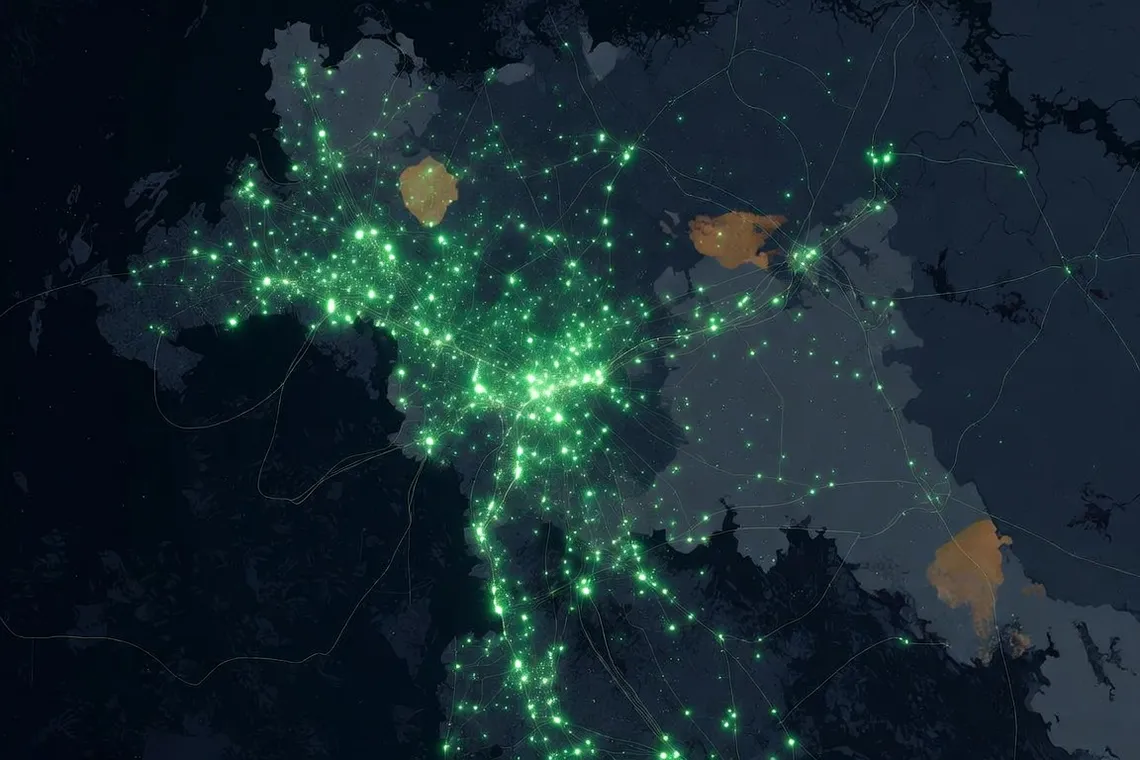
Connectivity is not always straightforward. A website may be unreachable, a connection may slow down, or an entire area may experience unexpected network issues. SONAR helps uncover what is happening behind the scenes, providing deeper insights into network behaviour and accessibility.
Blocking
SONAR turns network data into actionable insights
01 Device
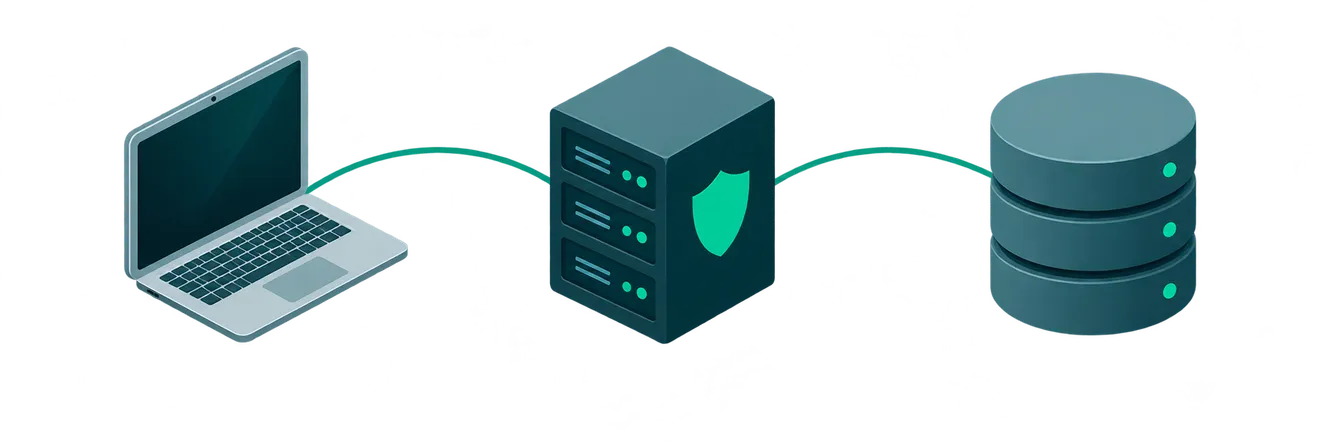
measures · queues on disk
Collect
Gather connectivity measurements from different devices, networks, and locations.
02 Edge
drops the address · adds region and provider
Analyse
Identify network anomalies, connection patterns, and potential causes of service interruptions.
03 Central
correlates · an analyst sets the tier
Understand
Transform technical data into clear, actionable insights for research and network diagnostics.
Does it work for me — on this device, on this network, right now
Tap a group to see its three layers
Built for people who need to understand connectivity
Everyone
Is it you or the network? See what works on your connection, what happens in your region and what you can do — free, nothing personal sent.
For everyone →Researchers
Documented, reproducible evidence: exports without addresses, per-test specifications, and recipes to verify a finding yourself.
For researchers →Communities
Build a clearer picture of local internet accessibility and reliability, one region at a time.
For communities →Developers
Mechanism, time window, region and provider for every finding, with a recommended action for circumvention tools.
For developers →What did the network see for a domain in the last 24 hours?
Until the first public edge is live the check shows an example of its answer, not a measurement. The real one reads the public statistics: share reachable by region and provider, the mechanism, the confidence tier.
Right now, by group Example
Share of devices that reached the group's sites in the last 24 hours, by region and provider
Messengers
Telegram · WhatsApp · Signal
96 %
412 devices
AI tools
ChatGPT · Gemini · Perplexity
41 %
388 devices
App stores
App Store · Google Play · F-Droid
98 %
401 devices
Developer tools
GitHub · Docker Hub · npm
7 %
352 devices
Control sites
Wikipedia · example.com
100 %
412 devices
Example numbers until the first public edge; the real card reads the public statistics.
One file, no account, nothing personal
On first start the app asks how much it may check — passive, standard or full — and names what each level touches. The default is standard.
What leaves your device: the outcome and timings of each check, country, region and provider, a random install id. Never your address, your Wi-Fi name, your device model or your location.
Verification
Every download has a sha256 and a signed release manifest; the key fingerprint is published here and shown in the app. A stolen server cannot make devices run new code.
Verification →FAQ
We are here to help. Contact our support.